











Windows XP Blue Screen of Death
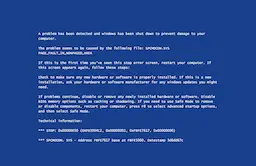
The problem seems to be caused by the following file: SPCMDCON.SYS PAGE_FAULT_IN_NONPAGED_AREA
If this is the first time you've seen this stop error screen, restart your computer. If this screen appears again, follow these steps:
Check to make sure any new hardware or software is properly installed. If this is a new installation, ask your hardware or software manufacturer for any windows updates you might need.
If problems continue, disable or remove any newly installed hardware or software. Disable BIOS memory options such as caching or shadowing. If you need to use Safe Mode to remove or disable components, restart your computer, press F8 to select Advanced startup options, and then select Safe Mode.
Technical information:
*** STOP: 0x00000050 (OXFD3094C2, 0x00000001, 0xFBFE7617, 0x00000000)
*** SPCMDCON. SYS - Address FBFE7617 base at FBFE5000, Datestamp 3d6dd67c



Fake Update Screens
.webp "macOS Fake Update")


Color Screens
Screensaver Screens


Wallpaper Screens



Video Screens


This is a free recreation of the classic Windows XP Blue Screen of Death, the original blue crash screen a whole generation remembers: a dense wall of white text on deep blue, a STOP code in hexadecimal, and the grim instruction to restart. Press F11 for fullscreen and the computer appears to have suffered a full system crash, XP style. Nothing actually crashes, nothing installs, and Esc brings everything back instantly.
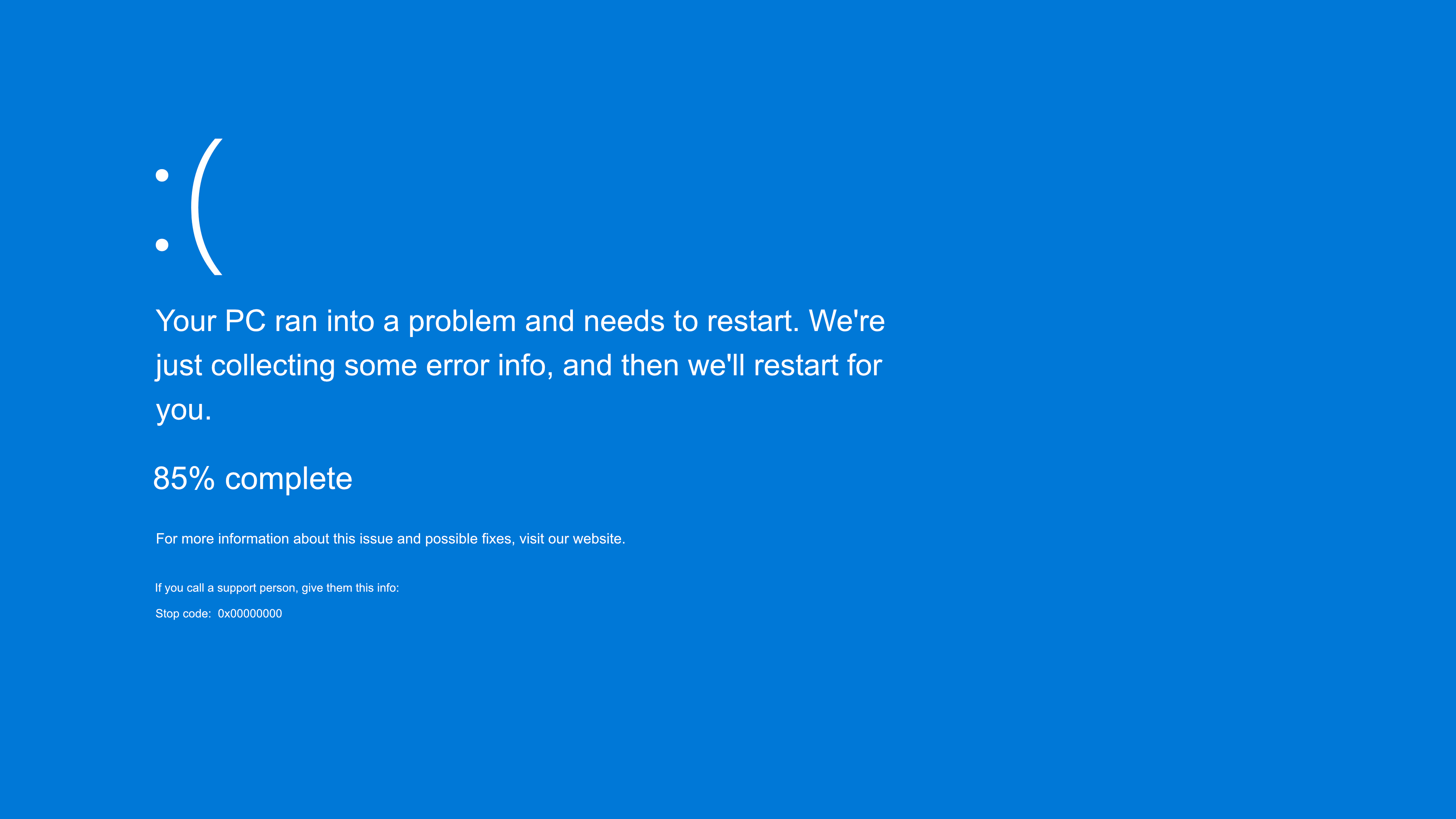
This is the retro cousin of our modern Blue Screen of Death. The modern crash screen is calm, with a sad face and a QR code. The XP version is the opposite: intimidating, technical, and unforgettable to anyone who used a computer in the 2000s.
How to Trigger the Classic XP Crash
- Open this page on the target computer.
- Press F11 for fullscreen. The browser disappears and the screen fills with the classic blue stop error, edge to edge.
- Move the mouse out of sight and step away. Press Esc when you want to reveal that nothing was ever wrong.
Why the XP Blue Screen Is So Iconic
The Windows XP era ran from 2001 to the early 2010s, and its blue screen became one of the most recognizable error images in computing history. There is a reason it stuck:
- It looked like the machine was speaking in tongues. A wall of technical text, memory addresses and a cryptic STOP code told ordinary users nothing except "something is very wrong," which is exactly what made it frightening.
- It appeared often. XP era hardware and drivers crashed more readily than today's, so millions of people met this screen regularly, at school, at work and at home.
- It became a cultural shorthand. The XP blue screen shows up in memes, on accidentally crashed public displays, airport boards, billboards, stadium screens, as the universal symbol of technology failing in public.
That deep familiarity is what makes the recreation land. People do not just recognize it; they feel a small jolt of old dread, which is the whole joke.
Anatomy of the Classic Stop Error
Part of what sells this screen is the detail people half remember. The classic XP crash showed:
- The heading, telling you Windows had shut down to prevent damage to the computer.
- A STOP code in hexadecimal, like 0x0000007B or 0x0000000A, the part that looked like a secret code and was actually the clue technicians used to diagnose the fault.
- A symbolic name such as IRQL_NOT_LESS_OR_EQUAL or UNMOUNTABLE_BOOT_VOLUME, error names so distinctive they became their own kind of folklore.
- Troubleshooting text advising a restart, a check for new hardware or software, and safe mode if the screen kept returning.
Our recreation reproduces that layout, so a knowing eye scanning for the STOP code and the symbolic name still finds them where they belong.
Who This Prank Works On
Like our fake Windows XP update, the XP crash is less about stealth and more about nostalgia and surprise:
- On a real old XP machine, it is fully convincing, and plenty of workshops, labs and back offices still run one.
- On a modern PC, it is a deliberate anachronism. A 2026 laptop showing a 2003 crash screen is surreal, and that absurdity is the comedy, especially with anyone who remembers the original.
- In retro content and videos, it is instant period accurate set dressing, no twenty year old computer required.
- For nostalgia bait, simply showing it to someone who lived through the XP years reliably produces a groan of recognition.
A Tip for Maximum Effect
- Hide the cursor in a corner after going fullscreen. A floating arrow over a crashed XP machine is the giveaway.
- Match the vibe. This screen suits an older looking PC or a retro themed setup. On a sleek modern machine, lean into the joke rather than expecting stealth.
- Reveal kindly and quickly. Even a nostalgic scare is still a scare, so let the recognition land, enjoy the groan, then press Esc.
Is the Fake XP Blue Screen Safe?
Yes, completely safe. This page is a still image with a touch of animation, shown in your browser. It does not crash Windows, does not touch system files, and cannot restart or harm the computer in any way. It runs identically on a Mac, a Chromebook or a phone, none of which ever ran Windows XP, which is the proof that it is only a web page. Press Esc, or close the tab, and everything is exactly as it was.
If you found this page while worried your computer just crashed: if pressing Esc or closing the browser tab clears the screen, your computer is fine. You are looking at a harmless recreation, not a real crash, and nothing was harmed.
What the Real XP Blue Screen Meant
Since people still search this, the honest version. A genuine XP Blue Screen of Death was Windows stopping itself after a serious error it could not recover from, most often a bad driver, failing or incompatible hardware, or corrupted system files. The STOP code was the diagnostic starting point: certain codes pointed at disk or boot problems, others at memory or drivers. On real XP hardware these crashes were common enough that recognizing a STOP code became a genuine skill. Today, of course, the most likely cause of an XP blue screen is someone enjoying a prank like this one.
More Screens for the Collection
- The modern crash screen is the main Blue Screen of Death.
- Set it up with the fake Windows XP update for a full retro sequence.
- The classic 2000s mood is completed by the white noise screen and the DVD screensaver.
Frequently Asked Questions
Is the fake Windows XP blue screen safe?
Yes, completely. It is a browser image that does not crash Windows, touch system files or affect the computer in any way. Pressing Esc or closing the tab ends it instantly with nothing left behind.
I got pranked. Is my computer actually broken?
Almost certainly not. If the screen disappears when you press Esc or close the browser tab, it was this harmless recreation, not a real crash, and nothing on your computer was harmed.
What did the classic Windows XP blue screen look like?
A dense wall of white text on a deep blue background, including a heading saying Windows had shut down to prevent damage, a hexadecimal STOP code such as 0x0000007B, a symbolic error name, and advice to restart. This page recreates that layout.
What is a STOP code?
The hexadecimal number on the crash screen, like 0x0000007B, that identified the specific error. It looked cryptic but was the main clue technicians used to diagnose the fault, with different codes pointing at disk, memory, driver or boot problems.
Will it fool someone on a modern PC?
On a modern machine it works as nostalgic comedy rather than stealth, since current PCs do not show XP screens. On a genuine old XP machine it is fully convincing. For a stealthy crash on modern hardware, use the main Blue Screen of Death page.
How do I exit the fake XP blue screen?
Press Esc, press F11 to leave fullscreen, or close the browser tab. The computer is completely untouched.
Is this fake XP BSOD free?
Completely free. No account, no download and no watermark.
Related screens: The modern version is the Blue Screen of Death · Build a retro sequence with the fake Windows XP update · Complete the 2000s mood with the white noise screen