











ChromeOS Fake Update
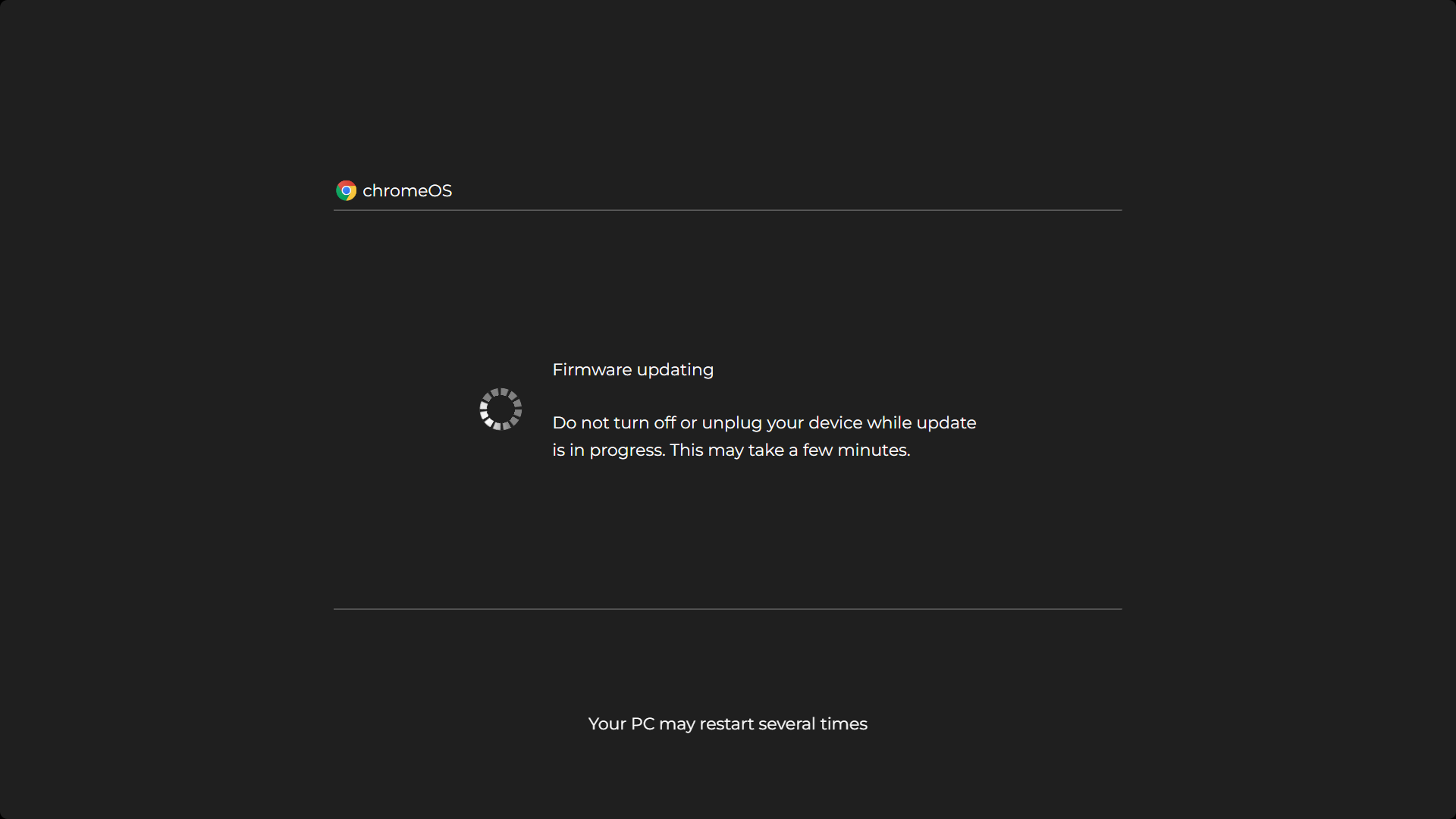
 chromeOS
Do not turn off or unplug your device while update
is in progress. This may take a few minutes.
.webp "macOS")
Screensaver Screens

Prank Screens



Color Screens
Wallpaper Screens




Video Screens




This is a free ChromeOS update simulation: the clean white update screen Chromebook owners recognize, progress turning patiently in the middle of all that minimalism. Press F11 (or hold the fullscreen key on a Chromebook's top row) and the prank is live. Esc ends it instantly, and nothing installs or changes on any device.
How to Use the Fake ChromeOS Update
- Open this page on the Chromebook or any other device with a browser.
- Go fullscreen. Press F11, or use the dedicated fullscreen key on the Chromebook keyboard's top row.
- Press Esc when the fun is over. The device is exactly as you left it.
That is the whole setup. The simulation runs itself from the moment it opens.
The Joke Inside the Joke
Here is the part that makes this page secretly the funniest of our update screens, and it doubles as honest tech literacy. ChromeOS has the fastest, most invisible updates of any mainstream operating system. Chromebooks download updates silently in the background while you work, and applying one is a restart measured in seconds. Quick, painless updating is one of the main reasons schools and businesses buy Chromebooks in the first place.
So a Chromebook stuck on a long, dramatic update screen is, to anyone who knows the platform, slightly absurd, and to everyone else, completely believable, because every other computer in their life has trained them to expect update misery. The prank works by borrowing Windows pain and putting it where it has never belonged.
Where the Prank Works
- Friends and family Chromebooks. The classic swap: hand the device back "mid update" and watch the polite waiting begin.
- The big screen version. Open the page in a TV browser and a living room television is now a giant Chromebook installing an update, which is confusing on at least two levels.
- Video props and skits. Creators use the screen as instant set dressing for tech sketches without touching a real device's settings.
A word about school Chromebooks, since that is where Chromebooks live: most school devices are managed by administrators, and messing with managed machines, even with a harmless browser page, can break rules that have real consequences. Prank your own device or a willing friend's during free time, keep it short, and never use it to dodge classwork or deceive a teacher. The best pranks are the ones you can laugh about together afterwards, including with the IT department.
A Little ChromeOS Literacy
Three facts that make you the most credible person in the room when the screen is questioned:
- ChromeOS updates arrive on a regular cycle, every few weeks, downloaded silently in the background while the device is in use.
- Applying an update is just a restart. The work happens beforehand, on a separate copy of the system, so the visible "updating" moment is seconds long.
- Chromebooks have an update expiry date. Every model has an Auto Update Expiration (AUE) date, after which it stops receiving updates. Looking up a model's AUE date is genuinely useful before buying a used Chromebook, and casually knowing this is excellent cover.
Is It Safe?
Yes, completely safe. This page is a browser animation with no access to ChromeOS or any other system. It cannot install, restart or modify anything, on managed devices or personal ones; the progress on screen is theater. Press Esc and it is gone without a trace. It runs the same on Windows, Macs, phones and TVs, which is also proof that it is only a web page.
Frequently Asked Questions
Is the fake ChromeOS update safe?
Yes. It is a browser animation with no access to the system. It installs nothing, changes nothing, and pressing Esc ends it instantly.
Will it work on a school Chromebook?
Technically it is just a web page, but school devices are managed machines with rules attached. Keep pranks to your own device or a willing friend's during free time, and never use it to deceive a teacher or dodge work.
How long do real ChromeOS updates take?
Almost no time at all. ChromeOS downloads updates silently in the background and applies them with a restart that takes seconds, which is one of the platform's main selling points. The long dramatic update screen is the joke.
What is a Chromebook AUE date?
Every Chromebook model has an Auto Update Expiration date after which it stops receiving ChromeOS updates. Checking the AUE date is a genuinely smart move before buying a used Chromebook.
How do I go fullscreen on a Chromebook?
Press the fullscreen key on the top row of the keyboard, or F11 in the browser. Esc exits.
Is it free?
Completely free, with no account, download or watermark.
Related screens: Windows machines deserve the fake Windows 11 update or fake Windows 10 update · Phones and TVs get the fake Android update