











Ubuntu Fake Update

.webp "macOS")

Screensaver Screens

Prank Screens


Color Screens
Wallpaper Screens




Video Screens




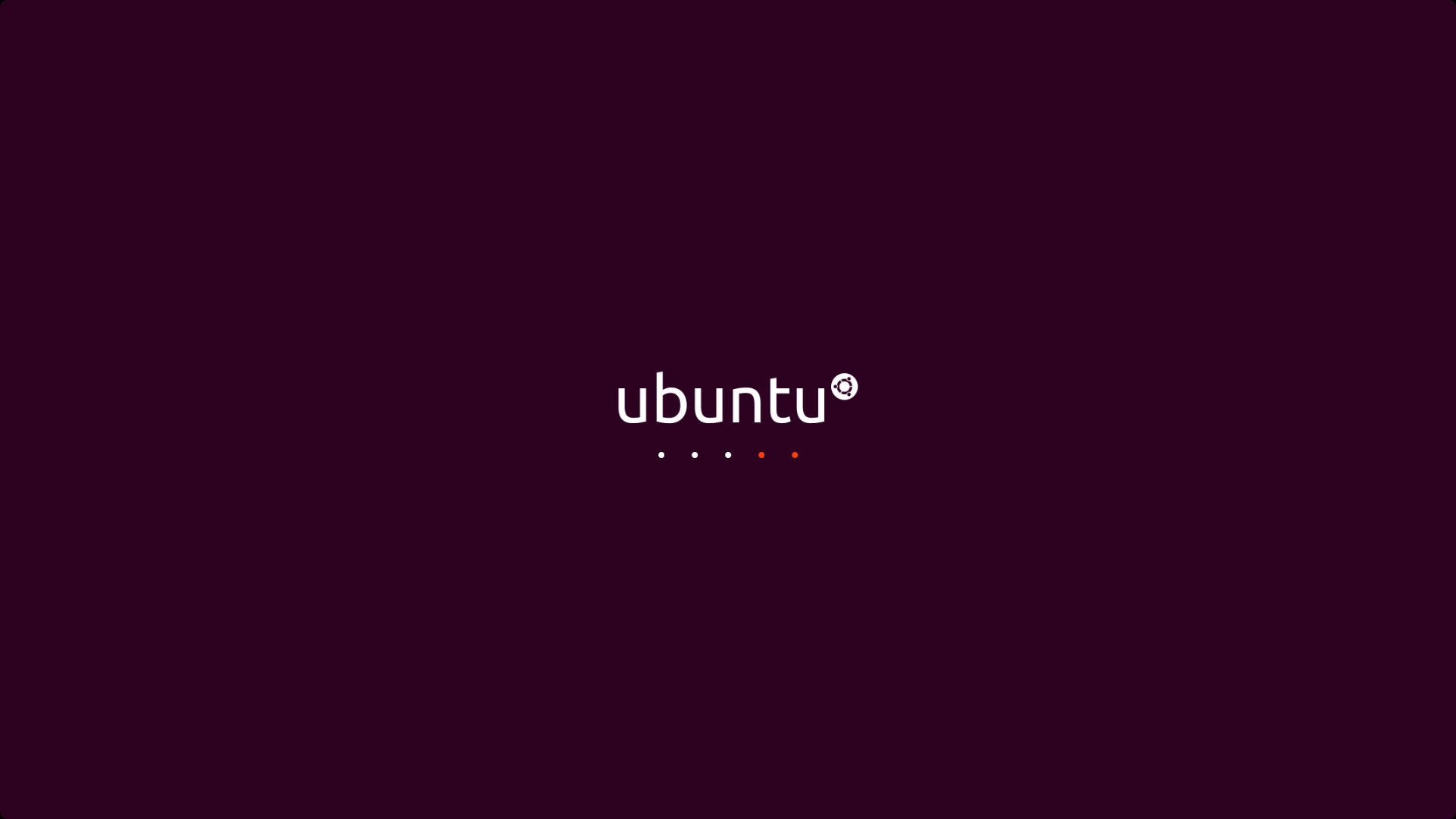
This is a free Ubuntu update simulation: a fullscreen recreation of a Linux system updating itself, package names and progress lines scrolling past the way they do during a real upgrade. Press F11 for fullscreen, Esc to exit, and nothing installs or changes on any machine. It runs in any browser on any operating system, which is half the joke.
How to Use the Fake Ubuntu Update
- Open this page on the target machine, or on any screen that needs to look busy.
- Press F11. The browser disappears and the display becomes a Linux system mid upgrade.
- Press Esc whenever the show is over. The computer is exactly as it was.
No settings to configure here; the simulation starts rolling on its own, which suits the subject matter, since a real terminal upgrade does not wait for anyone either.
The Most Productive Looking Screen Ever Made
Here is the honest truth about why people love this page, and it is not only pranks. Scrolling terminal text is the universal symbol of serious work. Lines of package names, version numbers and progress output flying up a dark screen read as deep technical activity to anyone watching from a distance, even though the watcher could not say what a single line means.
That makes this page:
- The looking busy screen. A second monitor running an endless Ubuntu upgrade signals "do not disturb, systems are being maintained" in any open plan office.
- A film and video prop. Creators put it behind actors and streamers as instant "engineer at work" set dressing, no Linux machine required.
- Stream and presentation filler. A believable technical background for intros, countdowns and away screens.
The Prank, and Who It Works On
The prank variant has a special audience dynamic, so aim it honestly:
- For non-L Linux users, it is mysterious and alarming. A Windows owner returning to a wall of scrolling Linux text will wonder what happened to their computer, which is the comedy.
- For actual Linux users, stealth is hopeless and that is fine. A Linux person's reflex is to touch the keyboard, and the illusion ends there. What you get instead is the laugh of recognition, which among Linux users counts as a warm embrace.
- The hybrid move: run it on the office Linux admin's spare monitor and watch how long their eye twitches before they check which machine it is.
A Little Ubuntu Literacy, So the Prank Holds Up
Two facts make you sound credible if questioned mid prank, and they are worth knowing anyway:
- Ubuntu version numbers are dates. A release called 24.04 shipped in April 2024, year dot month. There is a new release every six months.
- LTS means Long Term Support. The April releases of even years (22.04, 24.04, 26.04) are LTS versions, maintained for years, which is why businesses and servers run them. Casually mentioning "it is upgrading to the new LTS" is the single most convincing sentence available to you.
Real Ubuntu upgrades between releases genuinely can take a long while, scrolling thousands of package lines, so a screen that runs and runs is not an exaggeration. It is documentary.
Is It Safe?
Yes, completely safe. This page is a browser animation. It runs no commands, touches no packages and has no access to the operating system on any machine, Linux or otherwise. The scrolling text is theater. Press Esc and it is gone, with nothing to clean up and no trace left.
The usual rule applies: keep it kind, keep it short on machines people need, and never run it on systems you have no permission to touch. Server rooms are funny in theory and career limiting in practice.
Frequently Asked Questions
Is the fake Ubuntu update safe?
Yes. It is a browser animation that runs no commands and has no access to the system. Pressing Esc ends it instantly with nothing left behind.
Does it actually install or change anything?
No. The scrolling package lines are an animation. It cannot run commands, modify files or affect Linux, Windows, macOS or anything else it is displayed on.
Will it fool a real Linux user?
Briefly at best. Linux users instinctively touch the keyboard, which ends the illusion. On them it works as a joke of recognition; on non Linux users it works as genuine confusion.
What is an Ubuntu LTS release?
LTS stands for Long Term Support. The April releases of even numbered years, such as 22.04 and 24.04, are maintained for years rather than months, which is why businesses standardize on them. Ubuntu version numbers are simply the year and month of release.
Can I use it as a background for videos or streams?
Yes, freely. Scrolling terminal output is classic "engineer at work" set dressing, and this page provides it fullscreen with no watermark.
How do I exit?
Press Esc, or F11 to leave fullscreen. The machine is untouched.
Is it free?
Completely free, with no account, download or watermark.
Related screens: Mainstream victims need the fake Windows 11 update or fake Windows 10 update · Complete the movie engineer look with the hacker typer screen