











macOS Fake Update

.webp "macOS")

Screensaver Screens


Prank Screens


Color Screens
Wallpaper Screens




Video Screens


This is a free macOS update simulation with the details Mac owners know by heart: the black screen, the white Apple logo, the thin progress bar filling beneath it and the quietly optimistic time remaining estimate. Go fullscreen, set your own update time and starting progress, and the Mac in front of you appears to be deep in a system update. Nothing installs, nothing changes, and Esc ends it instantly.
Apple Updates Look Different, and the Details Matter
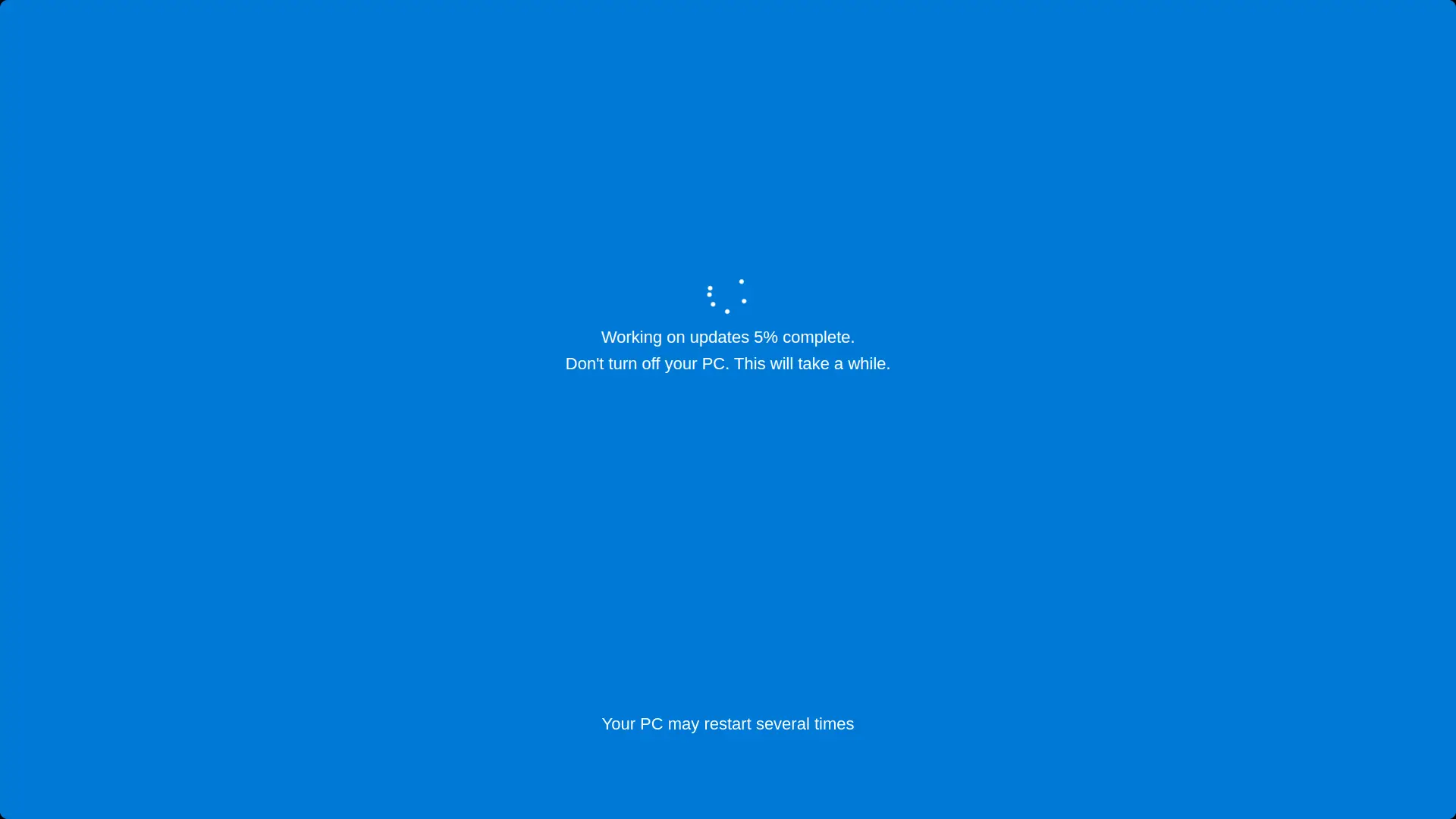
A Windows prank lives on percentages and spinning dots. Apple's update screen is a different species, and faking it well means matching its habits:
- A progress bar, not a percentage. macOS shows a thin white bar under the Apple logo rather than a number counting upward.
- The time remaining estimate. The famous "About 13 minutes remaining" line, beloved for its confident inaccuracy. Real estimates jump around, stall and occasionally go backwards, and the simulation reproduces that wobble instead of a smooth countdown.
- Minimal everything. No reassuring sentences, no warnings in paragraph form, just the logo, the bar and the time. The emptiness is the style.
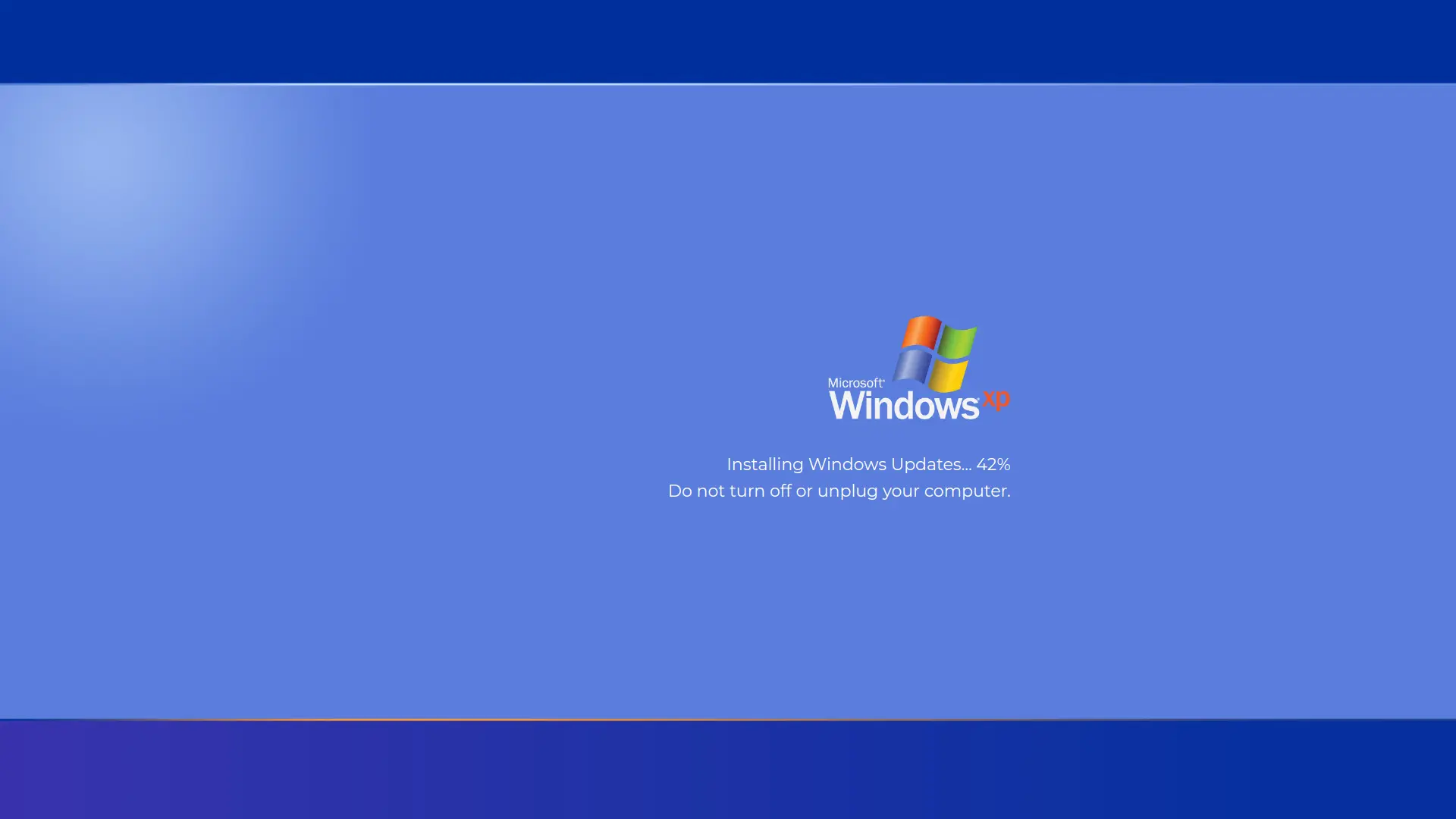
If your target uses Windows, this is the wrong tool for prank; head to the fake Windows 11 update or fake Windows 10 update instead. On an actual Mac, this page is the one that gets the slow nod of resigned acceptance.
How to Start the Fake macOS Update
- Set the update time. Choose how many minutes the bar takes to fill. The time remaining estimate scales with it.
- Set the starting progress. Begin with the bar partly filled, so the update looks like it started before anyone was watching.
- Go fullscreen. On a Mac press Control + Command + F in the browser, or use the green window button; on Windows machines F11 does it. Slide the cursor off to an edge, and the stage is set. Press Esc to end the show.
Choosing a Believable Duration for a Mac
Mac users have their own update folklore, and your settings should play to it:
- 15 to 30 minutes suits a routine macOS point update on a recent Apple Silicon Mac, the kind people start before making tea.
- 30 to 60 minutes sells a major annual macOS upgrade, the once a year event that takes a Mac out of action for a real chunk of time.
- Stall the estimate. The most authentic detail you can deploy is the time remaining jumping from 4 minutes to 23 minutes for no visible reason. The simulation does this on its own, and it is the moment Mac owners sigh in recognition.
Making the Prank Flawless on a Mac
- Hide the Dock and menu bar habits. Browser fullscreen hides both automatically, but checks once before the performance, since a visible menu bar clock over an "update" ends the prank immediately.
- Mind the trackpad. Macs wake instantly on trackpad contact, so park the cursor at a screen edge and hands off.
- Close the lid trick, in reverse. If the victim closed their MacBook, opening it to a mid progress update screen is the most natural reveal there is. Set your starting progress around a third filled for that scene.
- Plug it in. A Mac "updating" on battery with no charger invites suspicion, since macOS itself nags about power during real updates.
What People Use the macOS Fake Update For
- Office pranks in design and dev teams, where Macs dominate and a surprise system update before a deadline is universally feared.
- The borrowed Mac gag. Hand a friend's MacBook back to them "mid update" and watch the stages of grief.
- Video and streaming props. Creators drop the screen into skits as an instantly recognizable visual without sacrificing a real machine to an actual update.
- The cross platform absurdity. Run it on a Windows PC or a smart TV and enjoy the confusion of an Apple logo where no Apple logo should be.
- The break excuse. "My Mac is updating" buys the same fifteen sympathetic minutes as its Windows cousin. Use responsibly.
Is It Safe?
Yes, completely safe. This page is a browser animation with no access to macOS, its updater or anything else on the machine. It cannot install, restart or modify anything; the bar and the time remaining are theater. It runs the same on any device with a browser, and Esc removes it instantly with nothing to clean up.
The usual etiquette applies: pranks that end in shared laughter, yes. Pranks that cost someone real work or run on machines you have no business touching, no.
Frequently Asked Questions
Is this fake macOS update safe?
Yes. It is a browser animation that installs nothing and has no access to macOS. Press Esc and it is gone without a trace.
What does the screen show?
The authentic macOS update look: a black screen, the white Apple logo, a thin progress bar beneath it and a time remaining estimate that wobbles the way real ones do.
Can I control the duration and starting progress?
Yes. The update time setting decides how many minutes the bar takes to fill, and the start setting begins the bar partly filled so the update looks already underway.
How do I go fullscreen on a Mac?
Press Control + Command + F in most browsers, or click the green button in the window corner. On Windows machines, F11 does the same. Esc exits either way.
How long do real macOS updates take?
Point updates commonly take around 15 to 30 minutes on recent Macs, while major annual upgrades can run 30 to 60 minutes or more. Setting the simulation inside those ranges keeps it believable.
Will it work on a Windows PC or a TV?
Yes, it is a web page, so it runs anywhere with a browser. On non Apple hardware it plays as comedy rather than stealth, which is its own kind of fun.
Is it free?
Completely free, with no account, download or watermark.
Related screens: Windows victims need the fake Windows 11 update or fake Windows 10 update · Escalate beyond updates with the fake Blue Screen of Death