











Blue Screen

Blue Background Download
Color Screens
Fake Update Screens
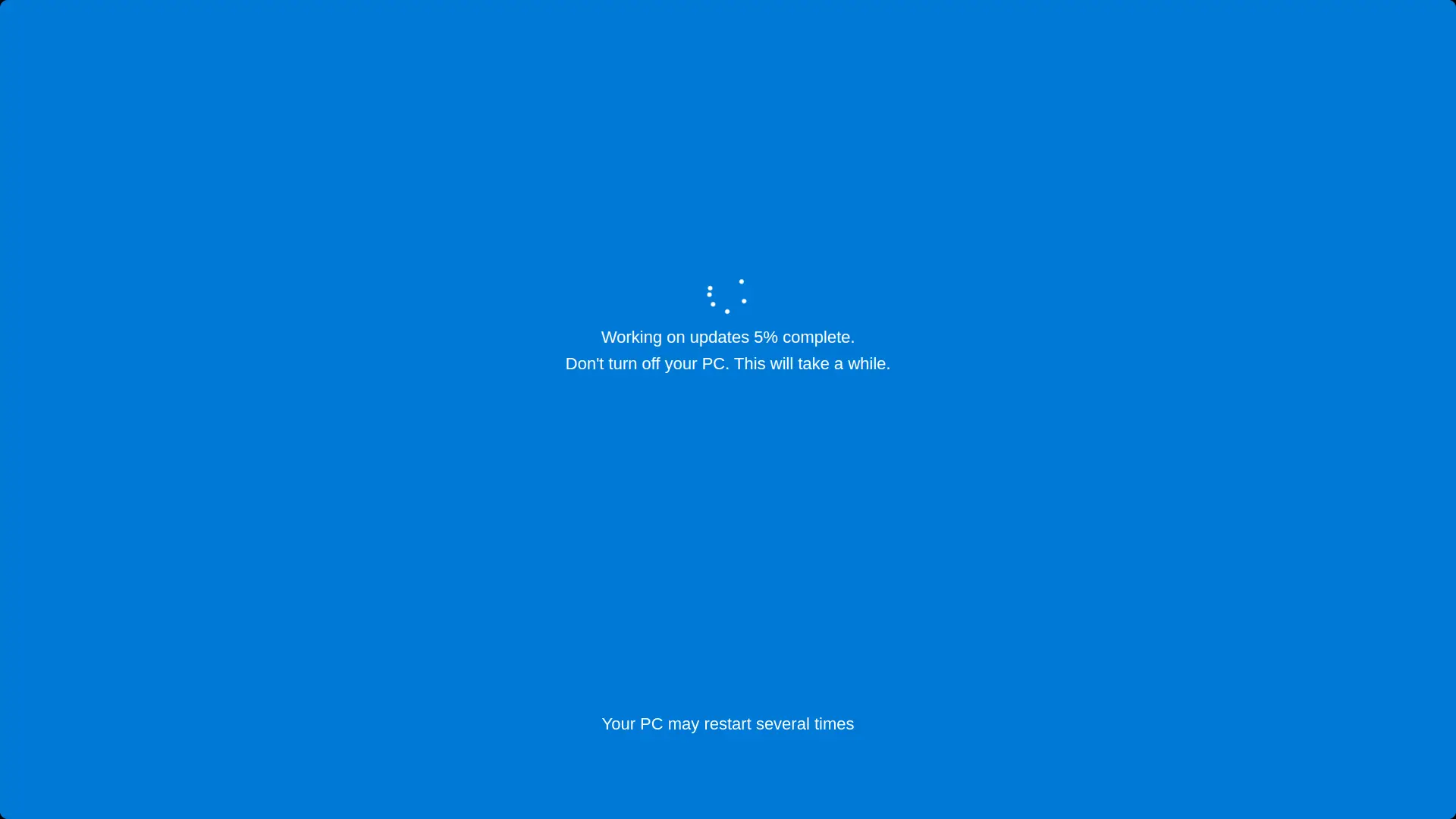
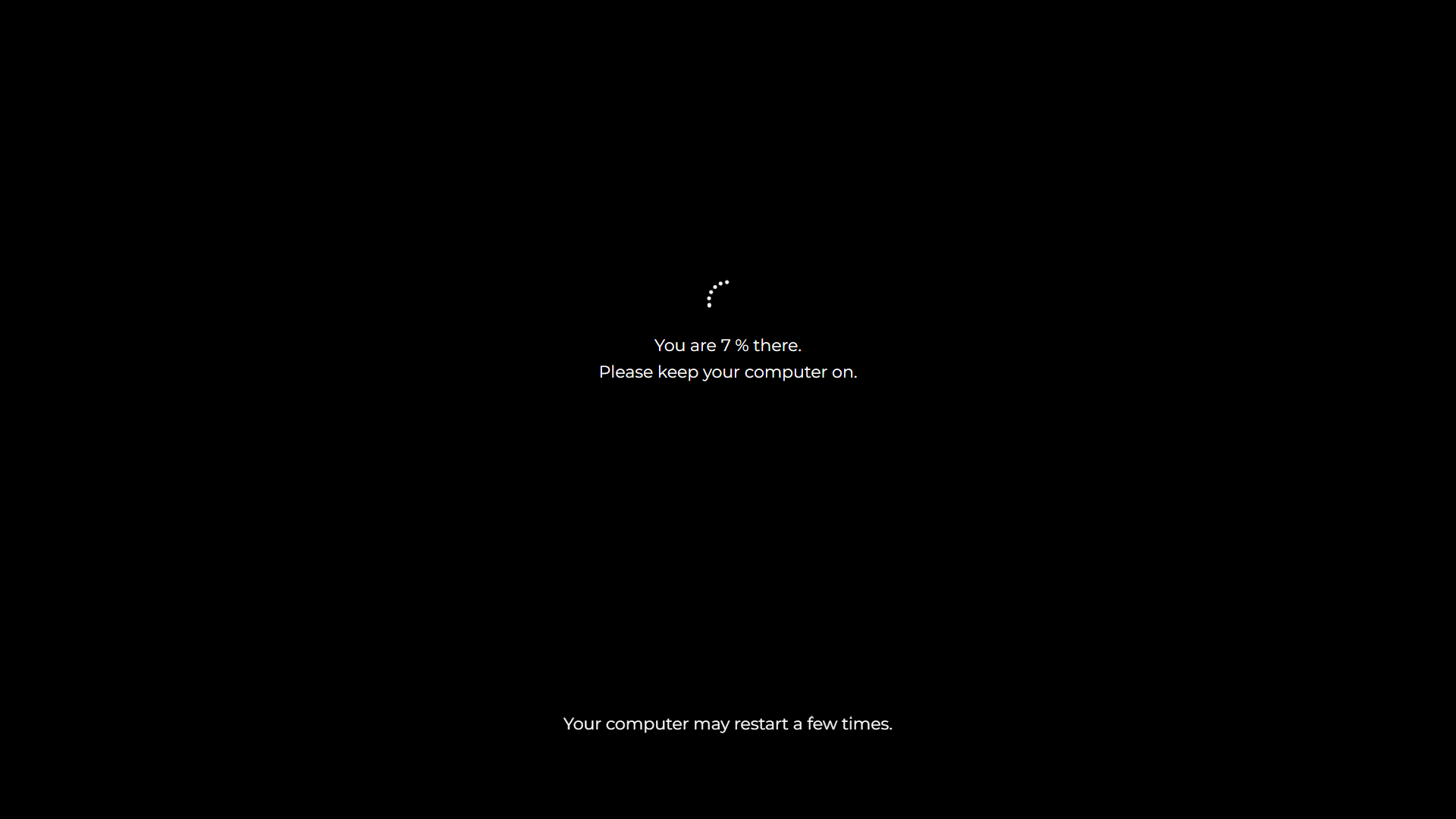
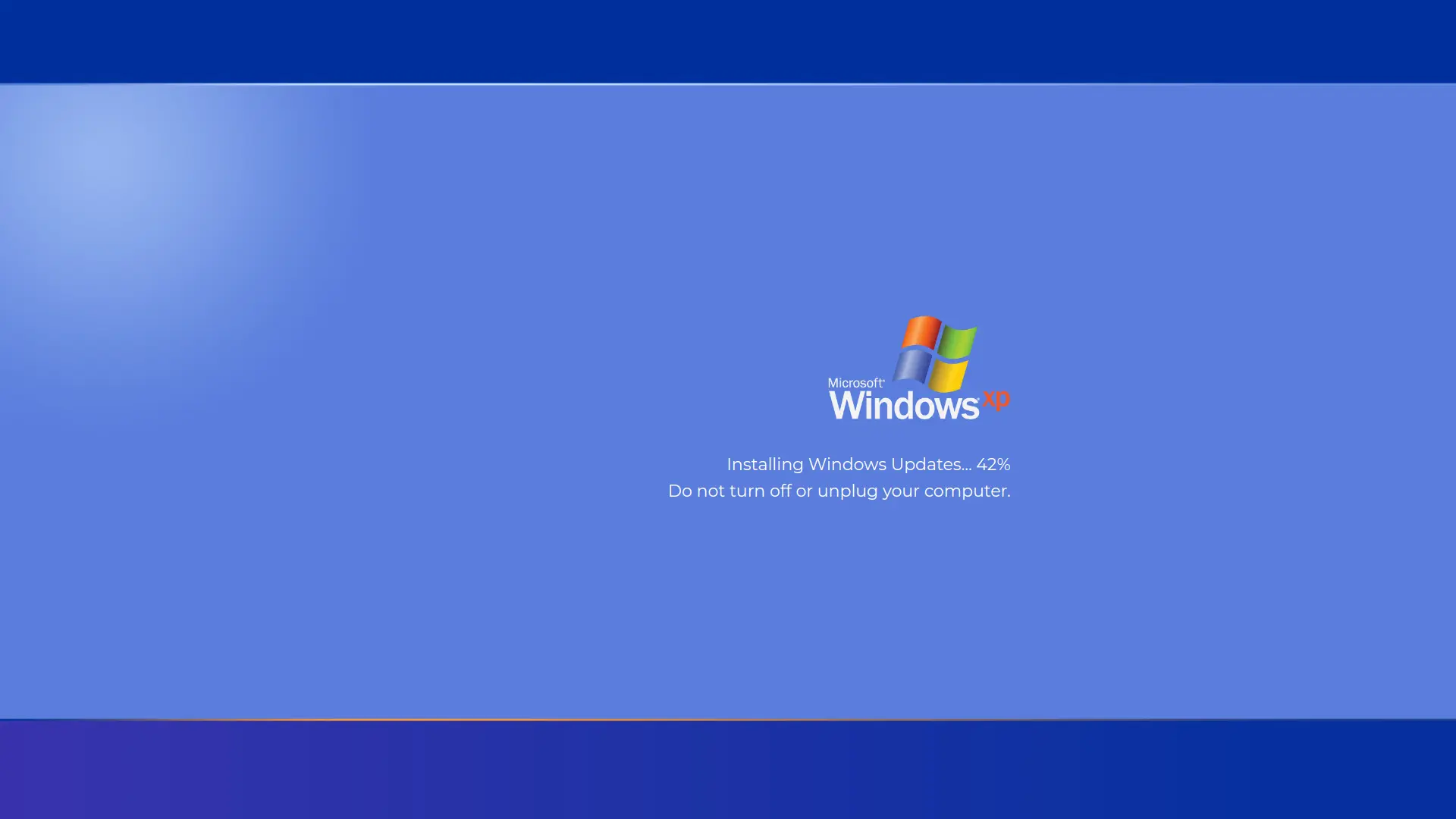
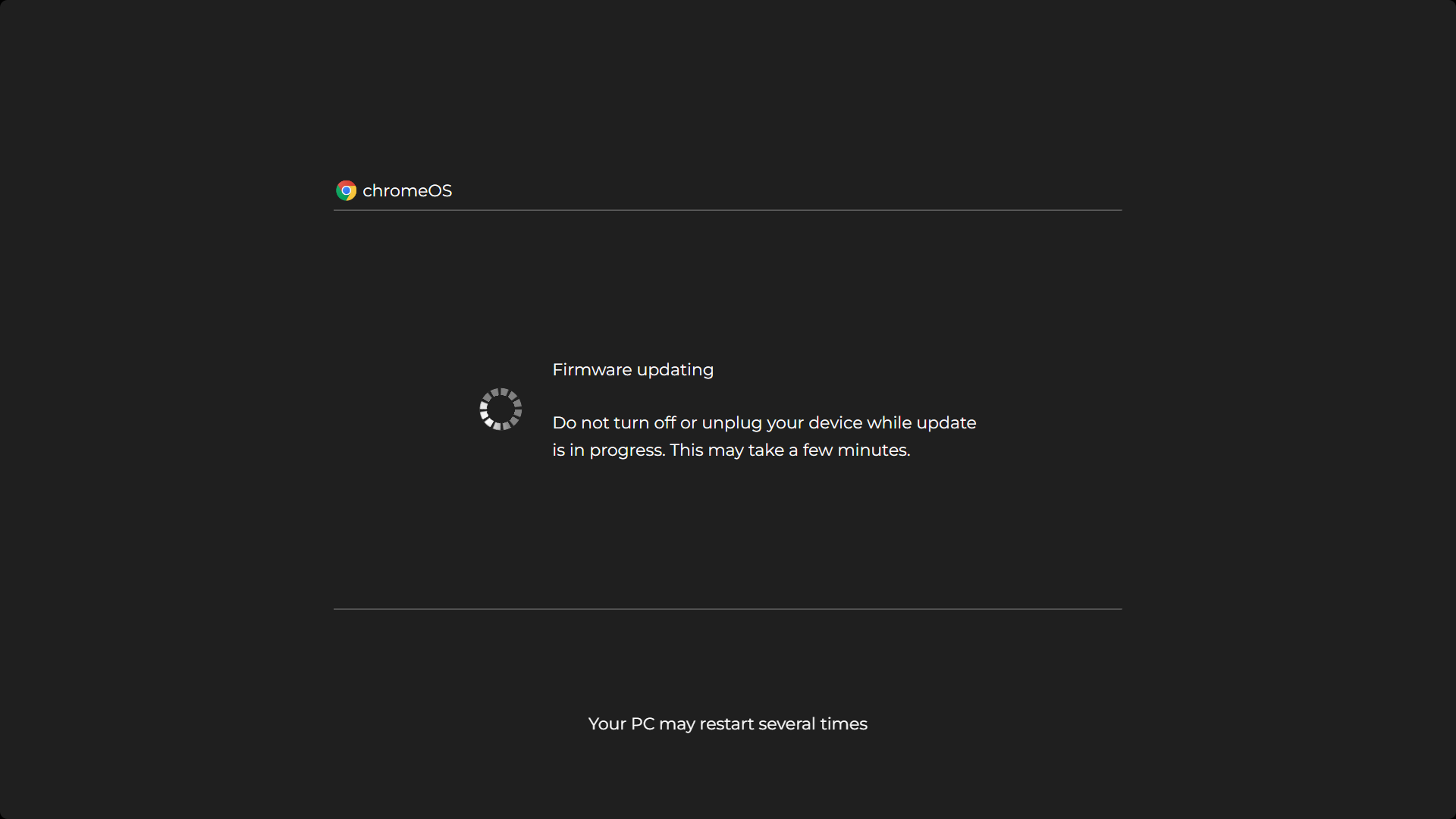
.webp "macOS Fake Update")


Prank Screens



Screensaver Screens


Video Screens

Wallpaper Screens


A blue screen is a free online tool that fills your display with pure blue. It is the classic film industry keying color, a quick test image for displays, and a cool toned ambient light. Click anywhere or press F for fullscreen and Esc to exit.
Looking for the Windows error instead? That famous crash is the Blue Screen of Death, and we have a realistic, harmless recreation of it on our fake Blue Screen of Death page.
How to Use This Blue Screen
- Open this page on any device with a browser.
- Click anywhere or press F for fullscreen. The display turns solid blue edge to edge.
- Press Esc to exit, or use the download panel to save a blue background from 480p up to 8K, including custom sizes.
Blue Screen Keying: When Blue Beats Green
Green gets all the attention today, but blue was the original movie keying color, and professionals still reach for it in specific situations. Use a blue screen instead of a green screen when:
- Your subject contains green. Plants, green costumes, green product packaging. Keying green would punch holes in them, so you key blue instead.
- You are shooting a night scene. Blue spill on a subject blends into night lighting naturally. Green spill at night looks wrong and takes effort to remove.
- Fine dark detail matters. The blue channel of a camera carries less luminance than green, so blue screens reflect less light back onto dark hair and dark clothing edges, which can hold cleaner edges in some setups.
The tradeoffs are real too. Camera sensors capture only half as much blue information as green, so blue keys are noisier and need more light to expose properly. And the big everyday problem: denim. Jeans, blue shirts and even strongly blue eyes sit close to the key color, which is why casual streamers should usually stay with their green screen and switch to blue only when the subject forces it.
If you do key blue, the physical fabric standard is a deep cobalt tone close to #0047AB, for the same reason chroma green is duller than pure green: a less saturated tone reflects less colored spill onto your subject. Our tool shows pure blue #0000FF by default and the download panel can give you either tone. The keying workflow itself is identical to green: even lighting in the background, your subject at least 30 cm in front, camera exposure and white balance locked.
Blue Light, Alertness and Why Timing Matters
Blue is the color your body clock listens to. Special cells in the retina respond most strongly to wavelengths around 460 to 480 nm, and when they detect blue light they signal the brain to suppress melatonin and stay alert.
That single fact cuts both ways:
- In the morning and daytime, blue rich light helps you feel awake. It is the reason daylight feels energizing and the reason monitor light feels "cool" by default.
- In the late evening, the same signal works against you, delaying sleepiness. That is the entire reason night mode filters exist, and why a bright blue screen is the worst choice of any color on this site for bedtime use. For evening light, use our orange screen instead, and for the gentlest night light use the red screen.
Blue Screen as a Webcam and Selfie Glow
A blue screen gives a cool, even light for selfies, photos, and webcam calls. Because the whole display lights at once, it casts a soft blue wash that reads as modern and calm on camera, and it works using a phone or monitor you already own.
Place a phone running full blue just off camera, or sit facing a second monitor showing the blue screen, and adjust the brightness until the tone looks right. It also makes a striking cool toned backdrop behind content when you want a deliberate color rather than a plain wall.
Blue Screen to Find Dead Pixels and Dirty Spots
A solid blue screen is a strong background for spotting dead pixels, stuck pixels, and dirty spots, especially in the blue subpixel. Against full blue, a dead pixel shows as a black dot and a stuck subpixel stands out clearly, while dust and smudges that a normal screen hides become visible.
Open the blue screen fullscreen, scan the whole panel for anything that does not match, then cycle through blue, red, and green so every faulty subpixel reveals itself. Clean any dust with a dry microfiber cloth while the solid color makes it easy to see.
Blue Screen as a Display Test Image
A fullscreen primary blue is one of the three images technicians cycle through when checking a panel, because it isolates the blue subpixels completely:
- Blue channel tint: patches that look purple or cyan against the solid blue reveal subpixel or calibration problems that white test screens hide.
- Subpixel faults: a dot that stays dark on this page but lights normally on red and green has a dead blue subpixel. Cycle this page with the red screen and green screen to test all three channels in under a minute.
- An OLED fact worth knowing: blue OLED material is the least efficient and the fastest aging of the three subpixel colors. This is why old OLED panels drift warm and why burn-in often shows up as a color shift rather than a dark ghost. A fullscreen blue image makes that drift visible early.
For full pixel checks, start with the black screen for stuck pixels and the white screen for dead pixels. This page covers the blue channel specifically.
Cool Ambient Light and Backgrounds
Pure blue light has a focused, technical feel, which is why it shows up in studios, gaming setups and stage design:
- A monitor or TV showing this page behind a desk gives an even, cool accent light with no extra hardware.
- Photography and video backdrops: solid blue reads as clean and corporate on camera, and it contrasts strongly with warm skin tones.
- Streaming overlays and thumbnails: a flat blue frame grabbed from this page makes a clean base layer in any editor.
Keep blue ambiance for daytime and working hours for the body clock reasons covered above.
The Blue Screen of Death
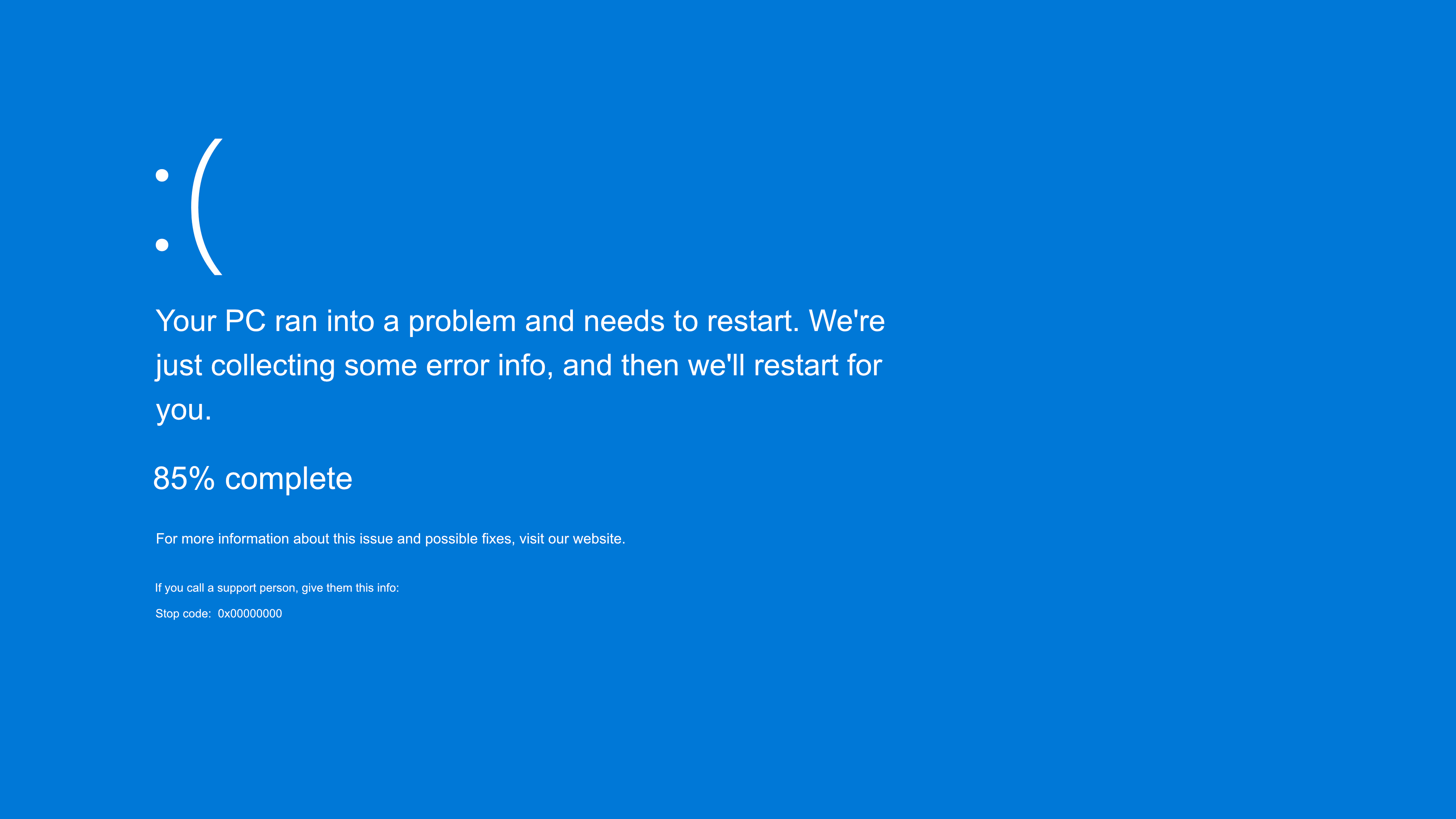
Windows has shown its crash errors on a blue background since the early 1990s, which made "blue screen" mean failure for an entire generation. The classic versions used a deep blue close to #0000AA with white text, and Windows 8 onward switched to a softer blue #0078D7 with the sad face emoticon. If you want the full recreation for a harmless prank, press F11 on our fake Blue Screen of Death page and watch a colleague's reaction. Nothing installs and nothing happens to the computer.
Download a Blue Screen Background (480p to 8K)
Use the download panel to save a solid blue image at 480p, 720p, 1080p, 1440p (2K), 2160p (4K), 4320p (8K) or any custom size. Common uses: keyable blue layers in editing timelines, cool toned wallpapers, presentation backgrounds and display test images.
Frequently Asked Questions
What is the hex code for blue?
Pure blue is #0000FF, which is rgb(0, 0, 255). The blue channel is at its maximum of 255 while red and green are at zero. The deep cobalt used for film keying is closer to #0047AB.
When should I use a blue screen instead of a green screen?
When your subject contains green, such as plants or green clothing, or when you are shooting night scenes where blue spill blends in naturally. For everything else, green keys are more clean because cameras capture twice as much green information as blue.
Why is keying blue harder with jeans and blue eyes?
Because they sit close to the key color. Denim and strongly blue clothing can turn partially transparent, and a very aggressive key can even eat the blue of someone's eyes. Wardrobe control matters more on blue than on green.
Is blue light bad for your eyes?
Blue light does not damage eyes at screen brightness levels, but it does affect your body clock. Wavelengths around 460 to 480 nm suppress melatonin and promote alertness, which is useful in the morning and unhelpful late at night. Keep blue screens for daytime use.
What is the Blue Screen of Death?
It is the error screen Windows shows after a system crash, blue with white text since the early 1990s. Modern versions use the softer blue #0078D7 with a sad face. Our fake version recreates it harmlessly for pranks, with nothing installed and nothing changed on the computer.
Can a blue screen help me find dead pixels?
Yes. A solid blue background makes a dead pixel show as a black dot and makes a faulty blue subpixel stand out. Cycle through blue, red, and green so every subpixel is tested against at least one color.
Is a blue screen good as a light for video calls or selfies?
Yes. A full blue screen casts a soft, even, cool toned light that reads as calm and modern on camera. Place a phone or second monitor showing blue just off camera and adjust the brightness to taste.
Is a blue screen good for sleep?
Not really. Blue light is alerting rather than sleep inducing, so a blue screen suits earlier evening ambiance better than bedtime. For a wind down light before sleep, a warm red or orange screen is a better choice.
Why does my blue screen look purple or cyan in places?
Uneven patches against solid blue point to color tint problems, either calibration drift or aging subpixels. On older OLED panels this is common, because blue subpixels age fastest of the three colors. Compare with the red and green screens to isolate which channel is off.
Is this blue screen tool free?
Completely free. No account, no watermark, and the downloaded blue backgrounds are free for personal and commercial use.
Related screens: Cleaner keys for everyday streaming live on the green screen · Evening light belongs to the orange screen · Test the other two color channels with the red screen and green screen