











Windows XP Fake Update
 Installing Windows Updates...
0%
Installing Windows Updates...
0%Do not turn off or unplug your computer.
.webp "macOS")
Screensaver Screens

Prank Screens


Color Screens
Wallpaper Screens



Video Screens


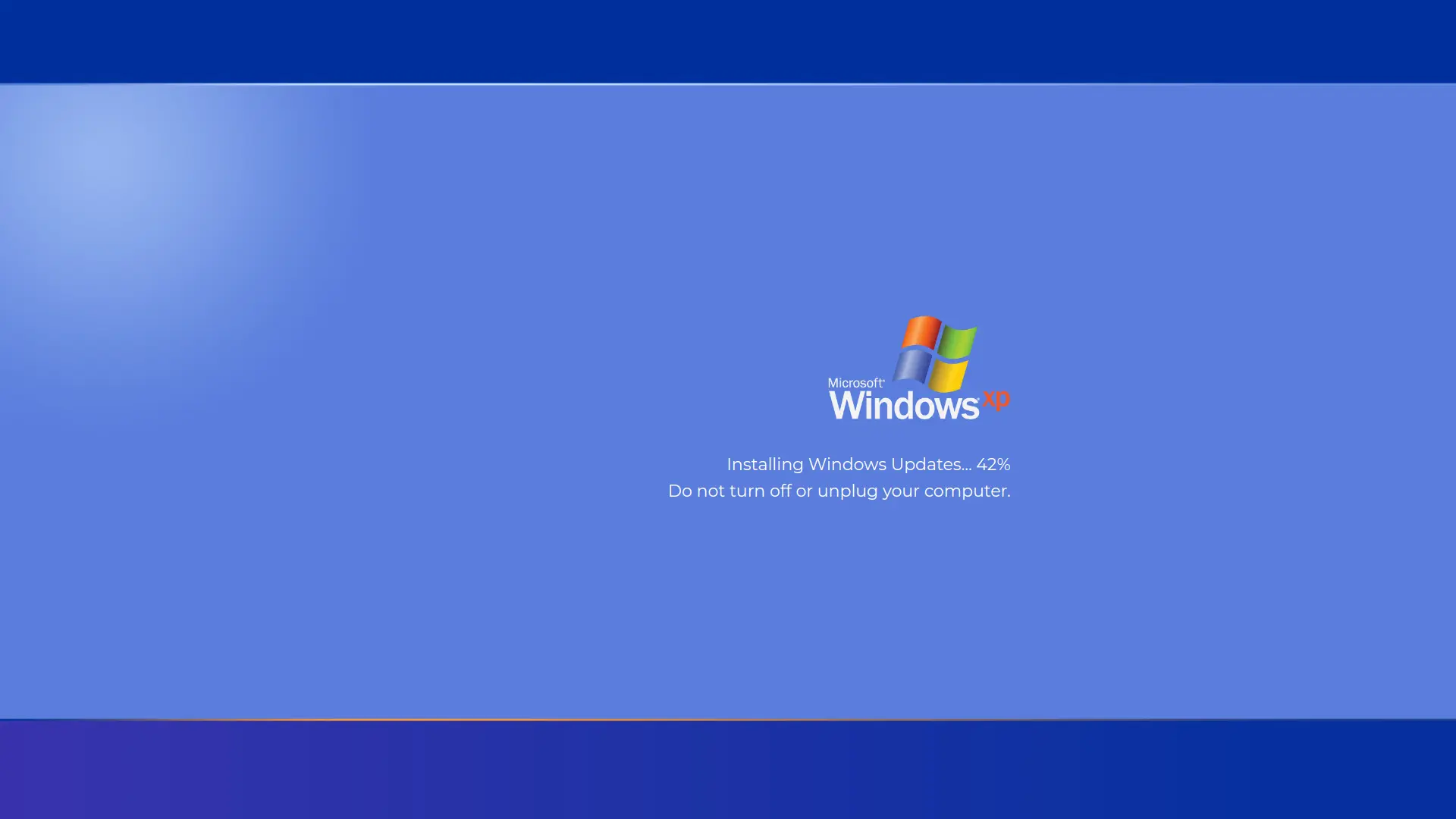
This is a free Windows XP update simulation, the classic blue screen counting through updates and warning you not to turn off or unplug the computer, exactly as millions of people remember from the 2000s. Press F11 for fullscreen, set your own update time and start point, and press Esc whenever the trip down memory lane is over. Nothing installs and nothing changes on the machine.
A Different Kind of Update Screen
Windows XP predates the giant percentage counter. Its most famous update moment was the shutdown installer, counting through updates one by one, "Installing update 3 of 12. Do not turn off or unplug your computer," in white text on that unmistakable XP blue. No spinner, no smooth animation, just the patient counter and the era's boxy typography. That is the look this page recreates, and it hits a very specific nerve for anyone who used a computer between 2001 and the early 2010s.
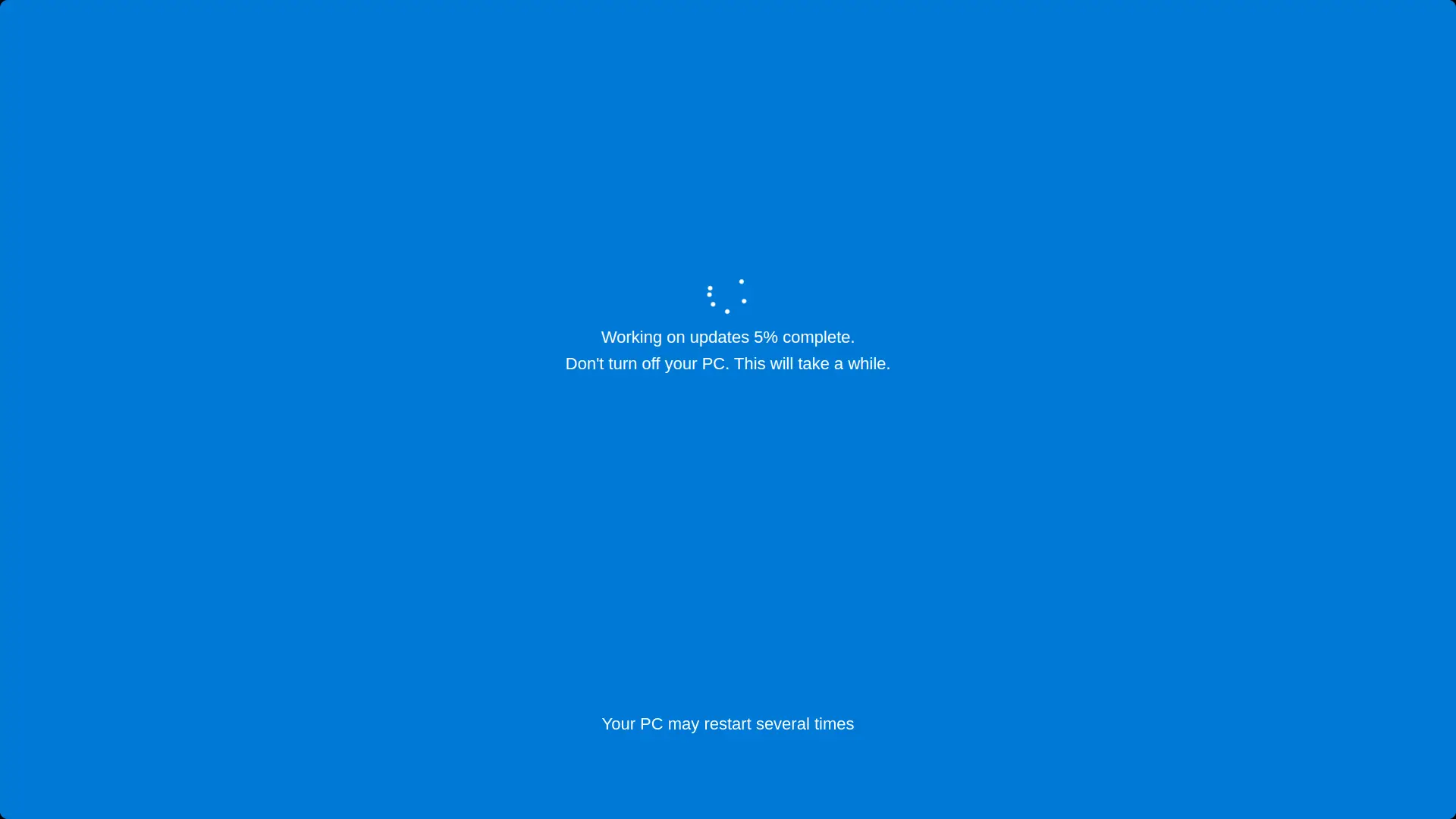
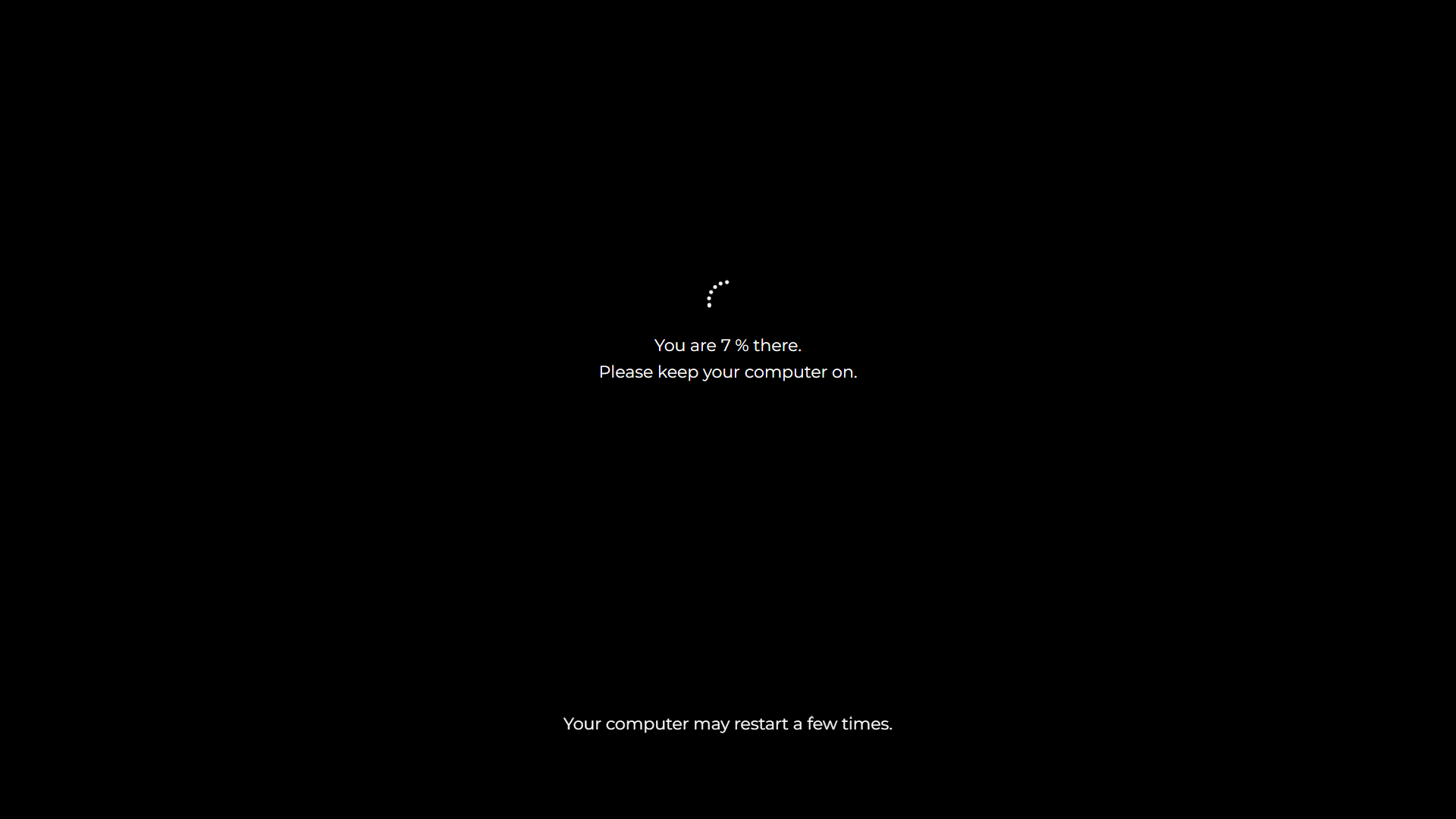
As with our Windows 10 and Windows 11 screens, you control the pacing: choose how long the sequence runs and where it starts, so the screen can sit believably mid installation when your audience arrives.
How to Start the Fake XP Update
- Set the update time. Choose how many minutes the simulated installation runs.
- Set the start point. Begin partway through the sequence so it looks like the machine has been at it for a while.
- Press F11. Fullscreen, blue, and gloriously 2004. Press Esc to return to the present day.
What People Actually Use the XP Screen For
The honest difference between this page and our modern update screens: XP is less about stealth and more about nostalgia and comedy.
- Retro content and videos. YouTubers and streamers covering retro tech use the screen as an instant period correct backdrop, without booting a real 20 year old machine on camera.
- The anachronism prank. An XP update appearing on a brand new laptop is not stealthy, it is surreal, and that is the joke. Watching a colleague try to process why their 2026 machine is installing updates from 2004 is its own genre of comedy.
- Theme parties and events. A TV running the XP update screen next to the snacks sets a 2000s party instantly, in the same family as our DVD screensaver.
- Genuine stealth on genuine relics. Plenty of workshops, labs and family studies still have an old XP machine in the corner. On those, this screen is fully convincing.
- Teaching and demonstrations. IT trainers showing the history of Windows can put the XP update experience on any projector in one click.
A Little XP History, Since You Are Here
Windows XP launched in 2001 and became one of the most loved operating systems ever made, so persistent that Microsoft only ended support in 2014, thirteen years later, and machines running it still surface today. Its update process was famously slow by modern standards, with mechanical hard drives and dial up era download sizes meaning an update session could comfortably swallow an afternoon.
That stubborn longevity is also a serious footnote: XP stopped receiving security patches in 2014, so a real XP machine should never touch the modern internet unprotected. This page is the safe way to revisit the look, on hardware that is actually patched.
Is It Safe?
Yes, completely safe. This is a browser animation with no connection to Windows Update of any era. It installs nothing, changes nothing and cannot restart the computer; the counter on screen is a theater. It runs on any device with a browser, including phones, Macs and machines that never ran XP at all, and Esc ends it instantly.
Frequently Asked Questions
Is this fake Windows XP update safe?
Yes. It is a browser animation that installs nothing and cannot affect the computer in any way. Press Esc and it is gone without a trace.
What did the real Windows XP update screen look like?
The most remembered version was the shutdown installer: a blue screen with white text counting "Installing update x of y" and warning you not to turn off or unplug the computer. This page recreates that look.
Can I control how long it runs?
Yes. The update time setting controls the duration in minutes and the start setting lets the sequence begin partway through, so it looks like an installation already in progress.
Will it fool someone on a modern PC?
Honestly, only people who do not look closely, since modern machines do not show XP screens. On a modern PC it works best as absurdist comedy, while on a genuine old XP machine it is fully convincing. For stealth on current hardware use the Windows 10 or Windows 11 fake updates.
When did Windows XP come out, and when did support end?
XP launched in 2001 and Microsoft ended support in April 2014. Machines still running it should stay off the open internet, which is part of why a browser recreation is the safe way to enjoy the nostalgia.
Is it free?
Completely free, with no account, download or watermark.
Related screens: Stealth on modern machines needs the fake Windows 10 update or fake Windows 11 update · Complete the 2000s mood with the DVD screensaver