











Écran Bleu de la Mort
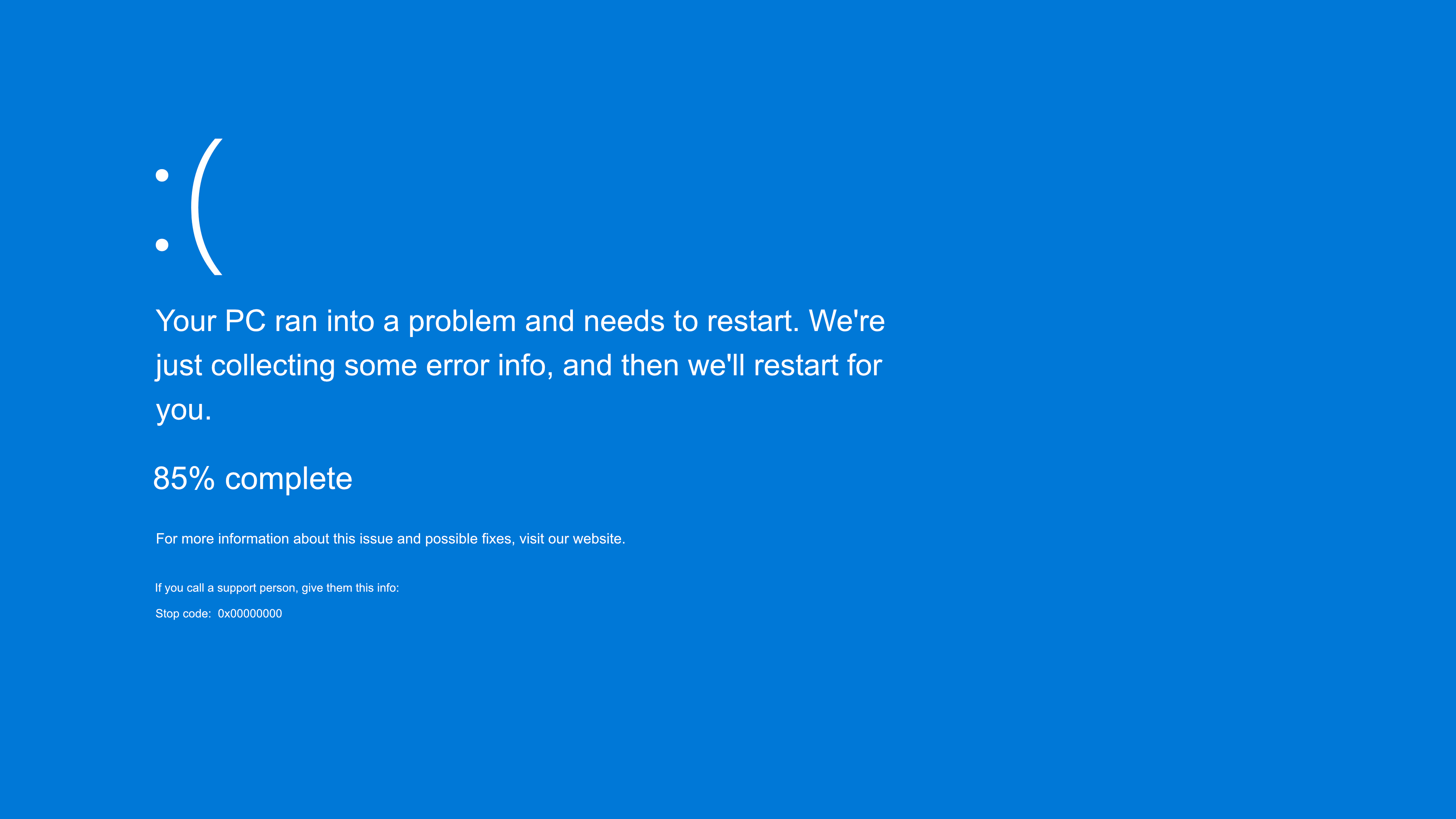
Votre ordinateur a rencontré un problème et doit redémarrer. Nous collectons
simplement quelques informations sur les erreurs, puis nous allons redémarrer pour
vous.
0 % terminé
 Pour plus d'informations sur ce problème et les solutions possibles, visitez https://www.windows.com/stopcode
Si vous contactez une personne du support technique, communiquez-lui les informations suivantes :
Code d'arrêt : CRITICAL_PROCESS_DIED


Écrans de Fausse Mise à Jour
.webp "Fausse mise à jour macOS")
Écrans de Couleur
Écrans de Veille

Fonds D'Écran




Écrans Vidéo


Here's a free fake Blue Screen of Death, a pixel-perfect recreation of the Windows crash screen: the sad face, the message "Your PC ran into a problem and needs to restart," the error information collection percentage, and the stop code at the bottom. Press F11 for full screen and the computer appears to have completely crashed. Nothing actually crashes, nothing installs, and Esc brings everything back instantly.
What makes this version more convincing than a static crash image is that you control the pace. Set the duration to choose how many minutes the crash remains there collecting error information, and set the starting point to choose the initial percentage. A crash screen that starts at 18% and slowly progresses for 20 minutes looks much more realistic than one stuck at zero, and these two settings allow you to adjust both.
This is the natural progression when a fake update is too gentle. An update screen says "wait." A blue screen of death says "something has gone very wrong," and that leap into panic is the whole point.
How to trigger the fake crash
- Set the duration. Choose how many minutes the crash screen runs, collecting error information before the loop resets.
- Set the starting point. Choose the initial percentage for the counter. An intermediate number like 18% or 34% makes it look like a crash that has been collecting data for a while.
- Press F11 for full screen. The browser disappears and the screen becomes a complete Windows crash, from edge to edge.
- Look away from the mouse and step back. The information gathering counter will automatically increase at the rate you set. Press Esc to end the prank and reveal that nothing was wrong in the first place.
Set the duration and starting point
These two settings transform a static crash image into a believable, unfolding crash:
Duration: How long does the crash last?
Real crash screens don't disappear instantly. Windows gathers error information, increases the percentage, and only then restarts, and with a persistent crash, this can drag on. Adjust the duration accordingly. A longer duration, say 15 to 25 minutes, advances the screen like a truly serious crash, keeping the victim in suspense. A shorter duration provides a quick gag before the restart. The percentage adjusts to the chosen duration, climbing slowly rather than in obvious jumps.
Starting point: where the percentage begins
No one ever experiences a true crash at exactly 0%. Set the starting point to a strange, mundane number like 18%, 34%, or 61%, and the screen tells a story as soon as you see it: this machine has been stuck collecting error information for quite some time. Starting at 0% is about watching someone's heart sink in real time, and starting high, around 90%, plays on how crashes seem to freeze near the end, just before the reboot that never quite comes.
Classic blue or modern black: choose the right era
Microsoft has changed the crash screen over the years, and choosing the version that matches the victim's PC is what makes it work:
The classic blue screen (Windows 7 and earlier)
A dense wall of white text on a deep blue background, full of technical details, hexadecimal memory addresses, and a stop error like 0x0000007B. This is the version older users picture when they hear "blue screen of death," intimidating precisely because it looks like a computer speaking a language only it understands. Use it for a retro effect or on older machines.
The modern crash screen (Windows 8, 10 and 11)
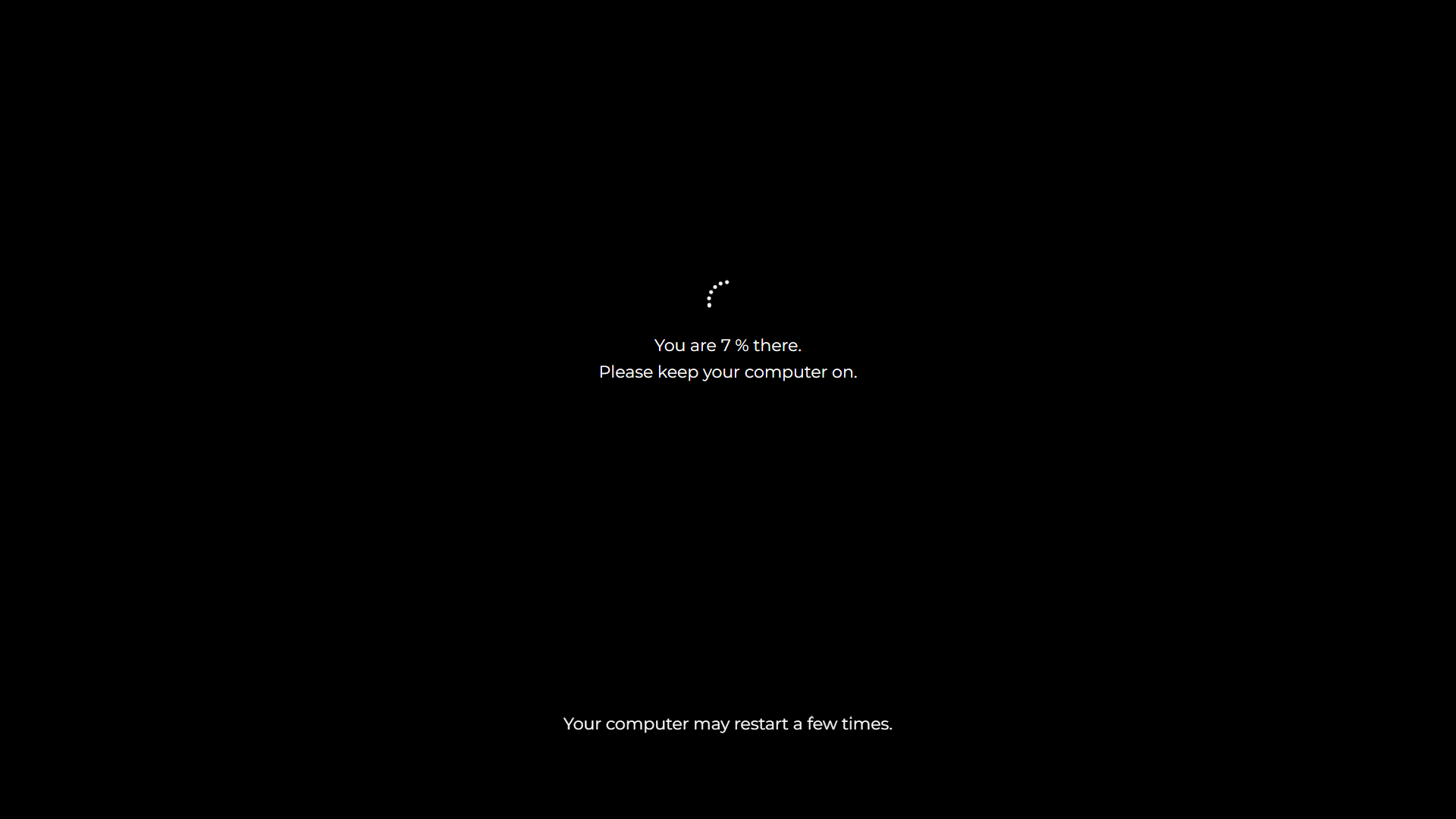
Windows 8 replaced the wall of text with a calmer design: a large sad-face emoji, the simple phrase "Your PC ran into a problem and needs to restart," a progress bar, and a QR code. Windows 11 kept this layout but changed the background from blue to black , the same shift seen in its update screens. So, on a current Windows 11 machine, the most likely crash is technically a black screen of death, even if everyone still calls it a BSOD.
Key takeaway: first, check the taskbar. Modern, centered icons mean the new screen is a good fit; an older PC will look better with the classic blue screen. Sticking to the right era is the difference between a truly chilling joke and a puzzled "that doesn't look like mine."
What makes this fake BSOD convincing
We reproduced the details that people only half remember and check without realizing it:
- The exact text. “Your PC ran into a problem and needs to restart. We're just collecting some error info, and then we'll restart for you. »
- The percentage climbs. Real crash screens count while they collect error data, then restart. The simulation does the same, and as you set the duration and start time, the counter climbs at a believable rate from a plausible number instead of an obvious zero.
- A realistic stop code. Lines like CRITICAL_PROCESS_DIED or SYSTEM_THREAD_EXCEPTION_NOT_HANDLED at the bottom, the real error names that Windows displays, so that a savvy victim won't find anything abnormal.
- The QR code. Present on modern screens, exactly where Windows places it.
Combined with the full-screen mode that hides the browser, the result holds up against the double panicked look that defines a good crash prank.
How to pull off a successful prank without going too far
- Hide the cursor. Move the mouse to a corner after the screen is full. A floating arrow on a "crashed" PC gives it away.
- Set the scene with a single sentence. "Your screen just flickered, didn't it?" while sitting down prepares the victim to believe it.
- Read the atmosphere. A crash prank hits harder than an update prank because people are afraid of losing their jobs. On someone with a deadline or who suffers from genuine computer anxiety, it can really upset them. Choose a quiet moment and a good actor.
- Reveal it quickly and kindly. The best version ends in under a minute, with an Escape key and a laugh, before anyone calls IT or tries a reboot. The goal is a shared joke, never real distress.
Is the fake blue screen of death safe?
Yes, absolutely safe. This page is a static image with a little animation, displayed in your browser. It won't crash Windows, touch system files, affect memory or drivers, and cannot in any way restart or damage your computer. The proof is simple: it runs exactly the same way on a Mac, a Chromebook, or a phone, none of which can display a real Windows crash. Press Esc, or close the tab, and everything is exactly as it was, with nothing to fix and not a trace left behind.
If a fake crash appeared on your screen and you found this page while checking if your computer is broken: it isn't. You're seeing a harmless browser prank, and pressing Esc or closing the tab will end it. Nothing on your machine has been damaged.
What a true blue screen means, briefly
Since people are looking for this out of concern, here's the honest version. A true Blue Screen of Death is Windows shutting down after a serious error from which it cannot recover safely, often a faulty driver, failing hardware like RAM or a hard drive, overheating, or a bad update. An occasional isolated crash usually doesn't mean much. Repeated genuine Blue Screens of Death displaying the same stop code are worth investigating, starting with recent driver or hardware changes, and this stop code is the clue technicians use first. A fake one, from this page, of course, just means someone around has a sense of humor.
Other screens for the collection
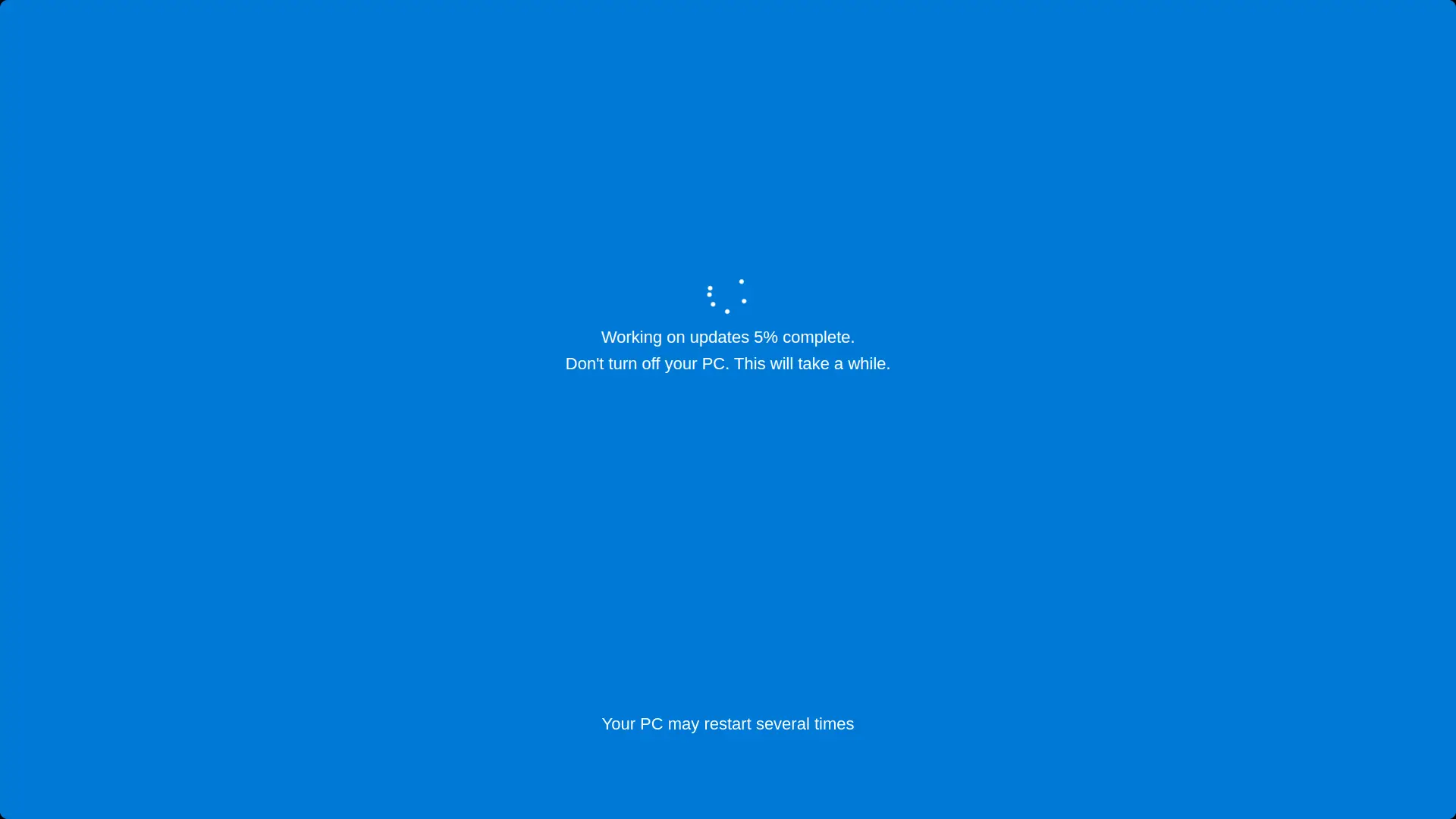
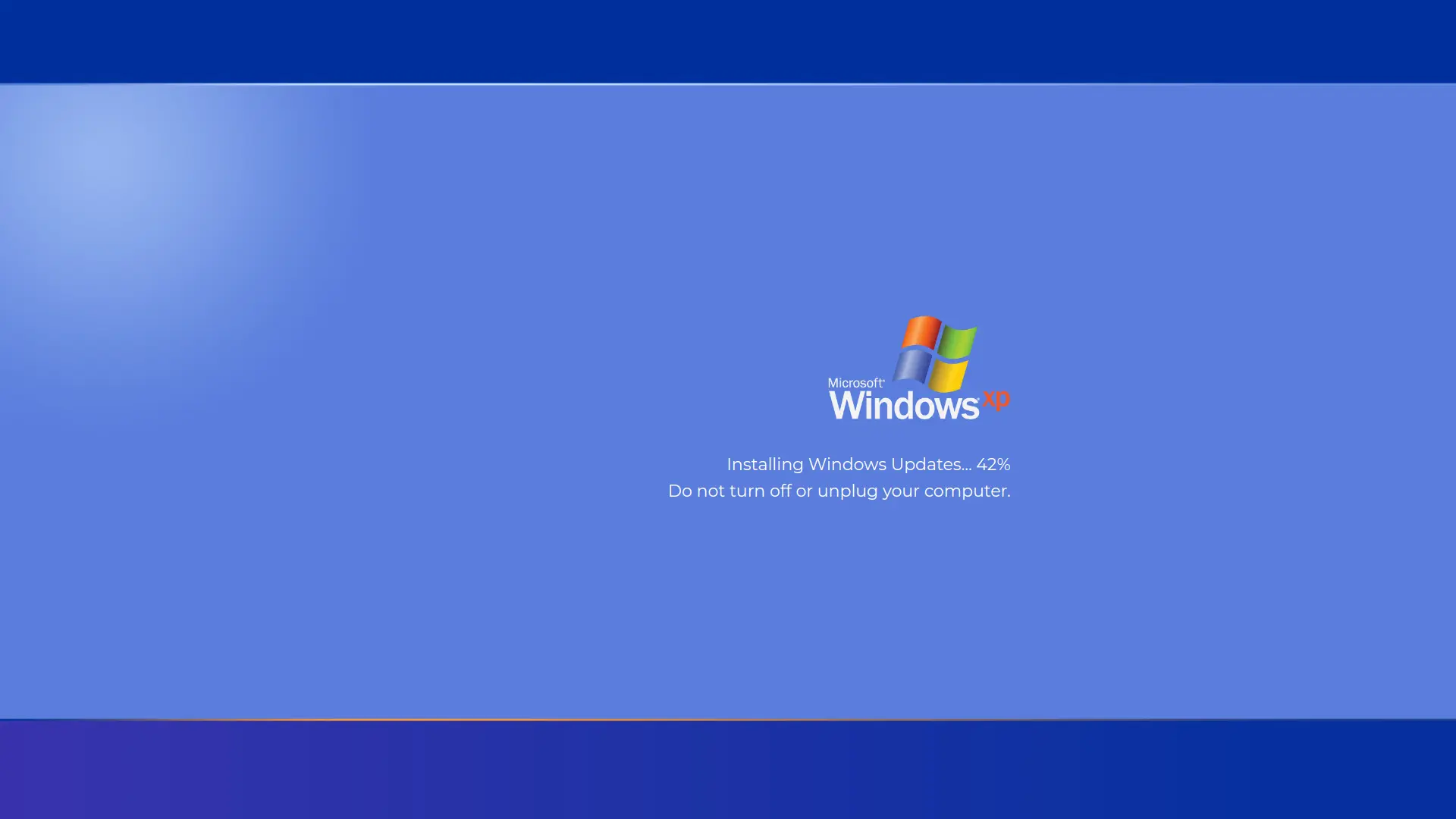
- Step towards a crash by first installing a fake Windows 11 update or a fake Windows 10 update .
- Mac owners are entitled to the fake macOS update , since Macs do not display BSODs.
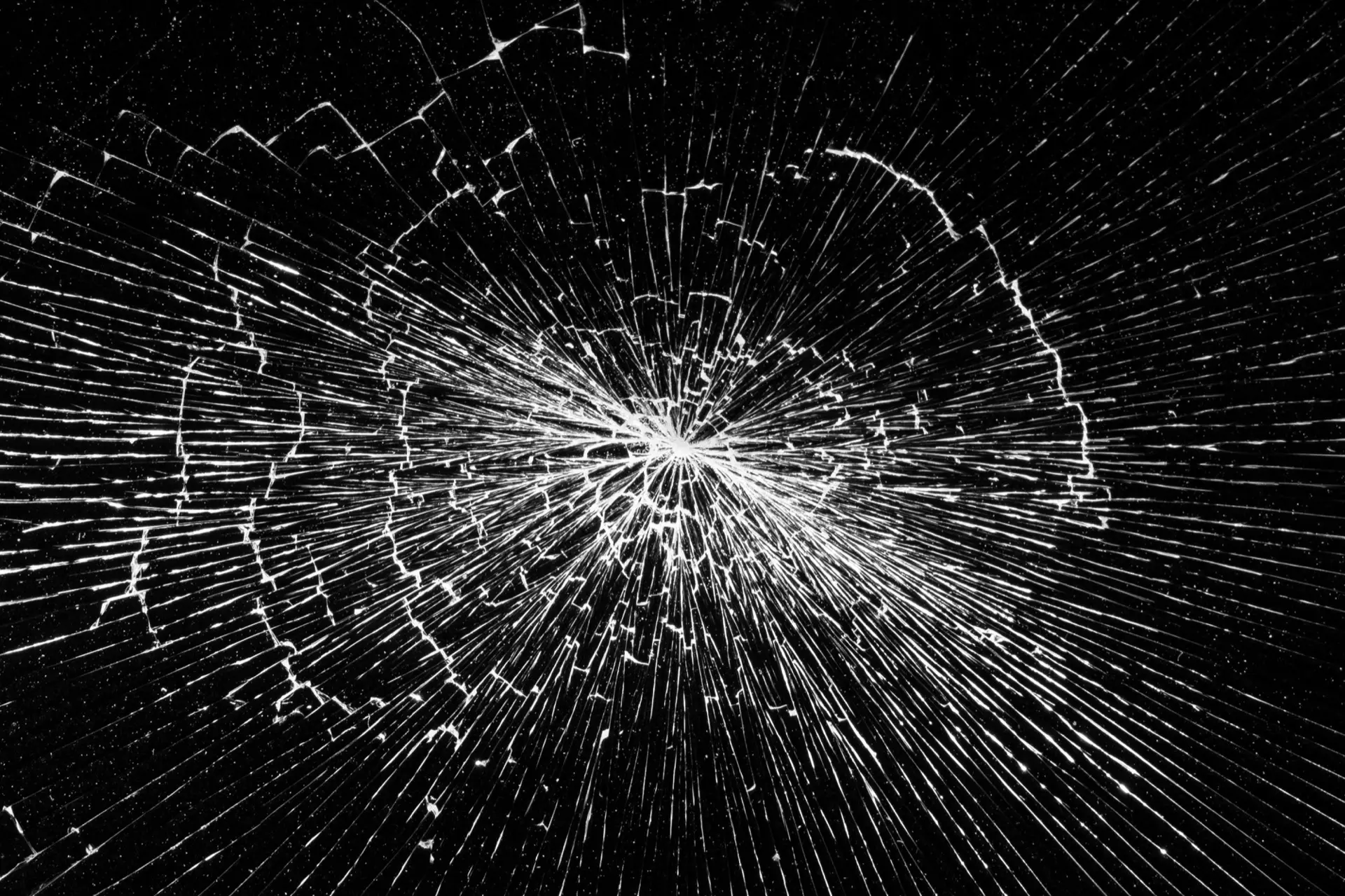
- For a look of physical damage rather than a software crash, try the broken screen .
- The cinematic piracy version is the hacker typer .
Frequently Asked Questions
Is the fake blue screen of death safe?
Yes, absolutely. It's a browser image that won't crash Windows, touch system files, or affect the computer in any way. Pressing Esc or closing the tab ends it instantly, without leaving anything behind.
I think I've been tricked. Is my computer really broken?
Almost certainly not. If pressing Esc or closing the browser tab makes the screen disappear, it was a harmless prank, not a real crash, and nothing on your computer has been damaged.
How to make the fake crash look realistic?
Press F11 for full screen so that the browser disappears, hide the cursor in a corner, and choose the screen version corresponding to the victim's Windows, the classic blue wall of text for older PCs or the modern sad face screen for Windows 10 and 11. Then set the start to an intermediate percentage and a longer duration so that the crash progresses believably rather than remaining frozen.
Can I change the crash duration and the starting percentage?
Yes. The duration setting determines how many minutes the crash screen runs while collecting error information, and the start setting determines the initial percentage. A longer duration with an intermediate start, such as 18% or 34%, most closely resembles a genuine, serious crash already underway.
Why is the Windows 11 crash screen black rather than blue?
Windows 11 changed the background of the crash screen from blue to black, matching the black it also uses for update screens. The layout, with the sad face and the stop code, remained the same, so on Windows 11 the blue screen of death is technically black.
What does a true blue screen of death mean?
This means that Windows encountered a serious error from which it couldn't recover safely and shut down as a protective measure, often due to a faulty driver, hardware failure, overheating, or a bad update. A single crash is usually minor; repeated crashes with the same stop code warrant further investigation.
How do I get rid of the fake blue screen?
Press Esc, or F11 to exit full screen, or close the tab. The computer remains completely unaffected.
Is this fake BSOD free?
Completely free. No account, no download and no watermark, and it works in full screen on as many screens as you want.
Related screens: Prepare it with a fake Windows 11 update · Opt for physical damage with the broken screen · Look like a movie hacker with the hacker typer